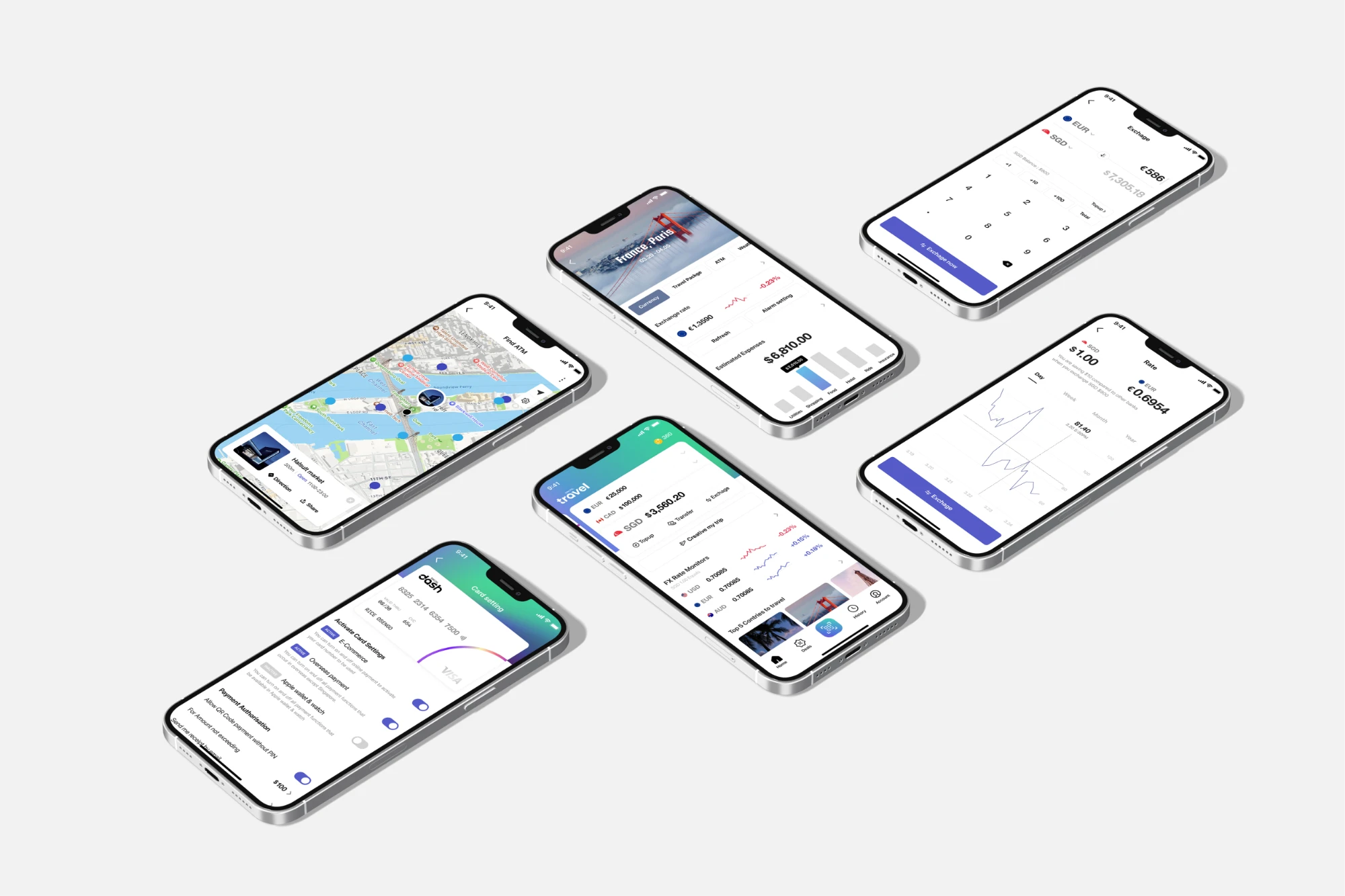
Multi-Currency Travel Digital Wallet
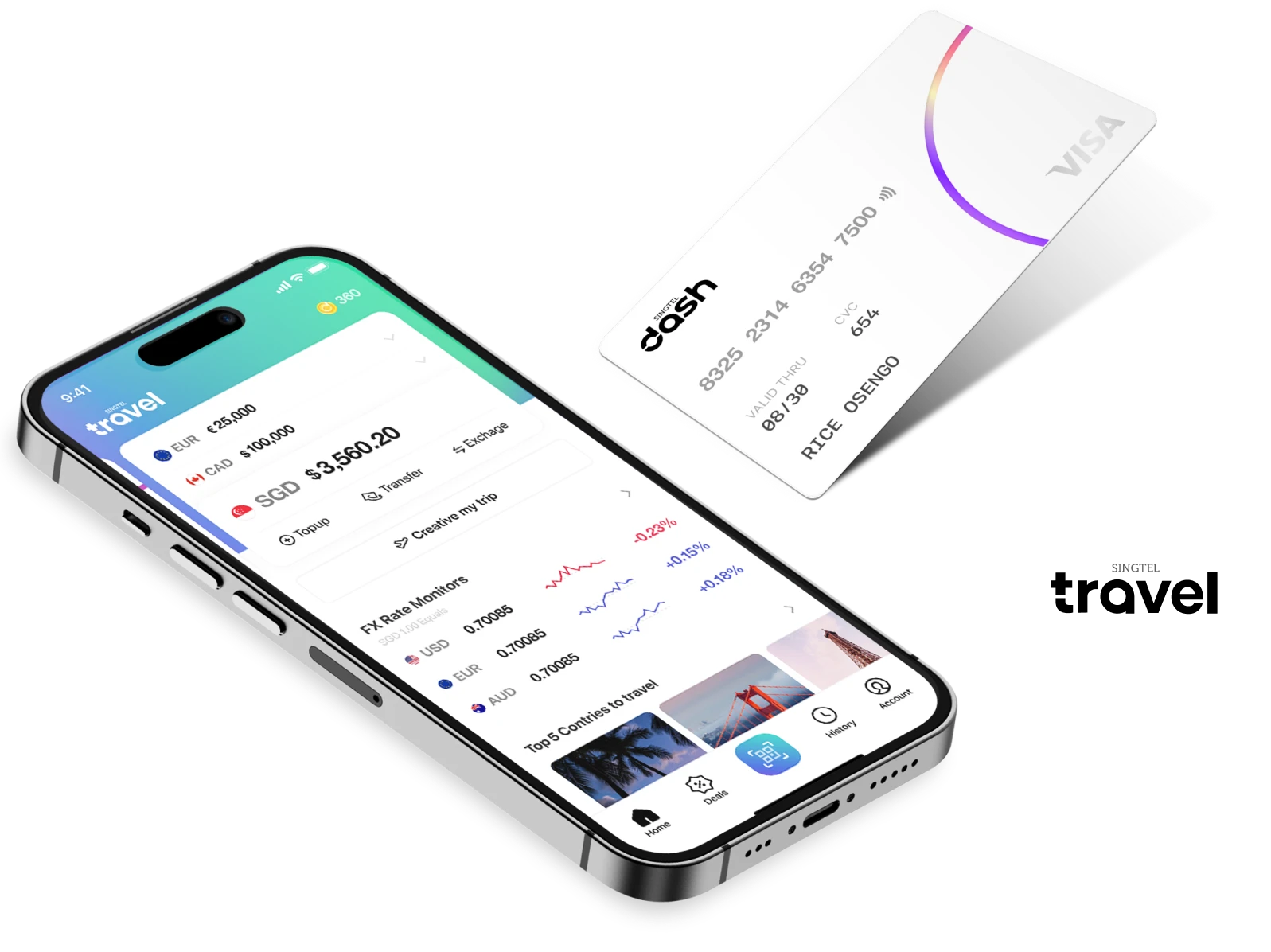
Expanding the digital wallet experience to travel
Dash, a digital wallet from Singapore, lets users top up cash in the app anytime, anywhere and pay by QR code even where cards aren’t accepted. To bring this experience beyond Singapore to overseas travel, we partnered with the Visa Singapore team.
Could paying across borders become a convenience rather than a headache?
We interviewed users and learnt about the payment pain points they face before, during and after their travels, from handling local currency and exchanging money to juggling the different payment methods needed abroad.

Pre-travel
I keep checking the exchange rates before going on a trip. Since I'm not sure how much foreign currency to bring, I ask around or look it up.

During travel
I'm not used to foreign currency, so it's hard to estimate how much I've spent. If I run out of cash, I end up using my credit card a lot.

Post-travel
After the trip, it's tricky to decide whether to exchange the remaining foreign currency back or to save it for the next trip.
- Kick-offUser journey mapping

- BasecampDefining initial feature concepts for UT

- User research12 in-depth user interviews (90 min each)

- Co-creation sprintProduct, tech and design teams synthesised findings and ideas

- Design explorationDesign team exploration

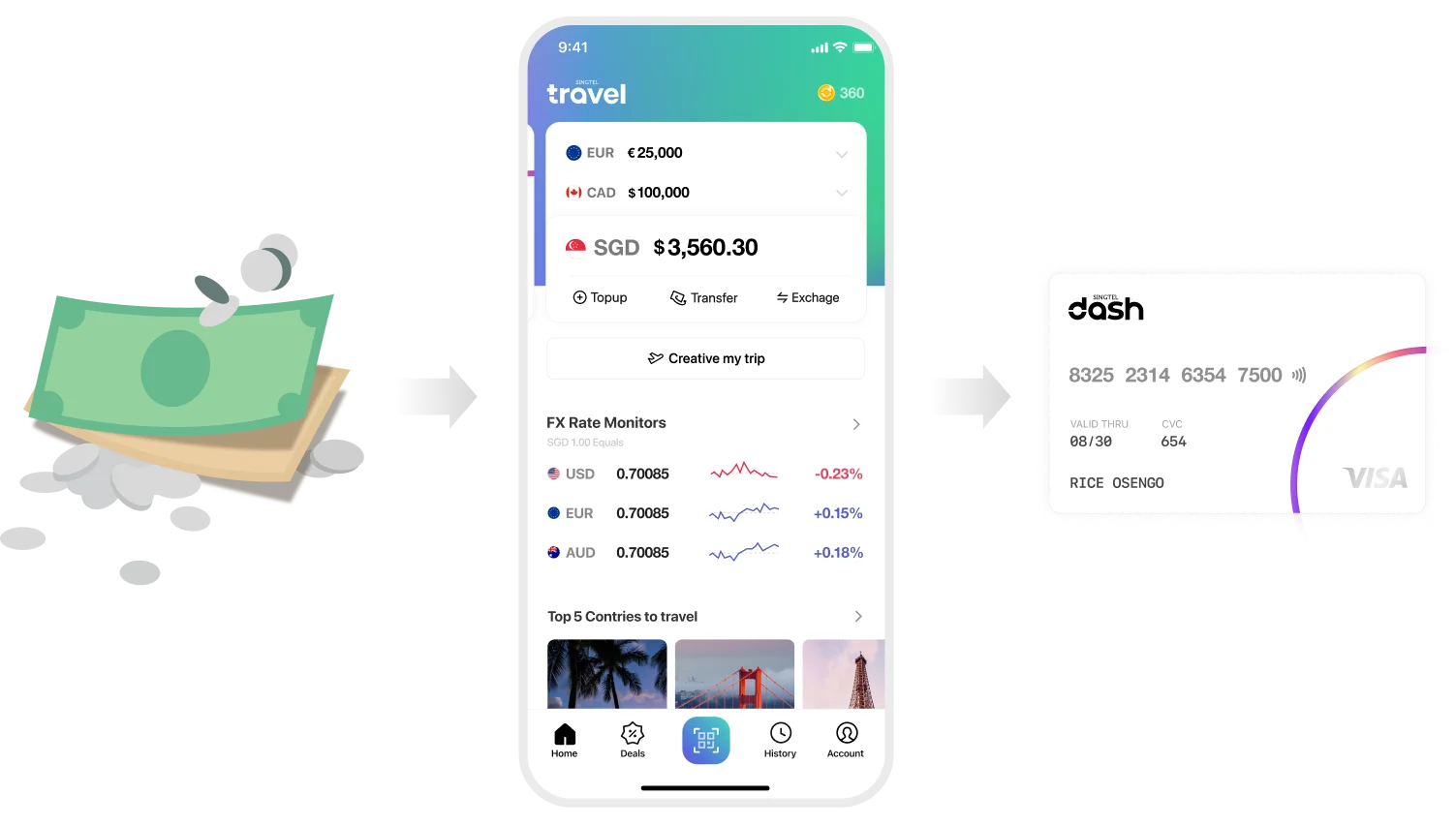
All foreign currencies in one card!
Easily exchange and pay in local currency
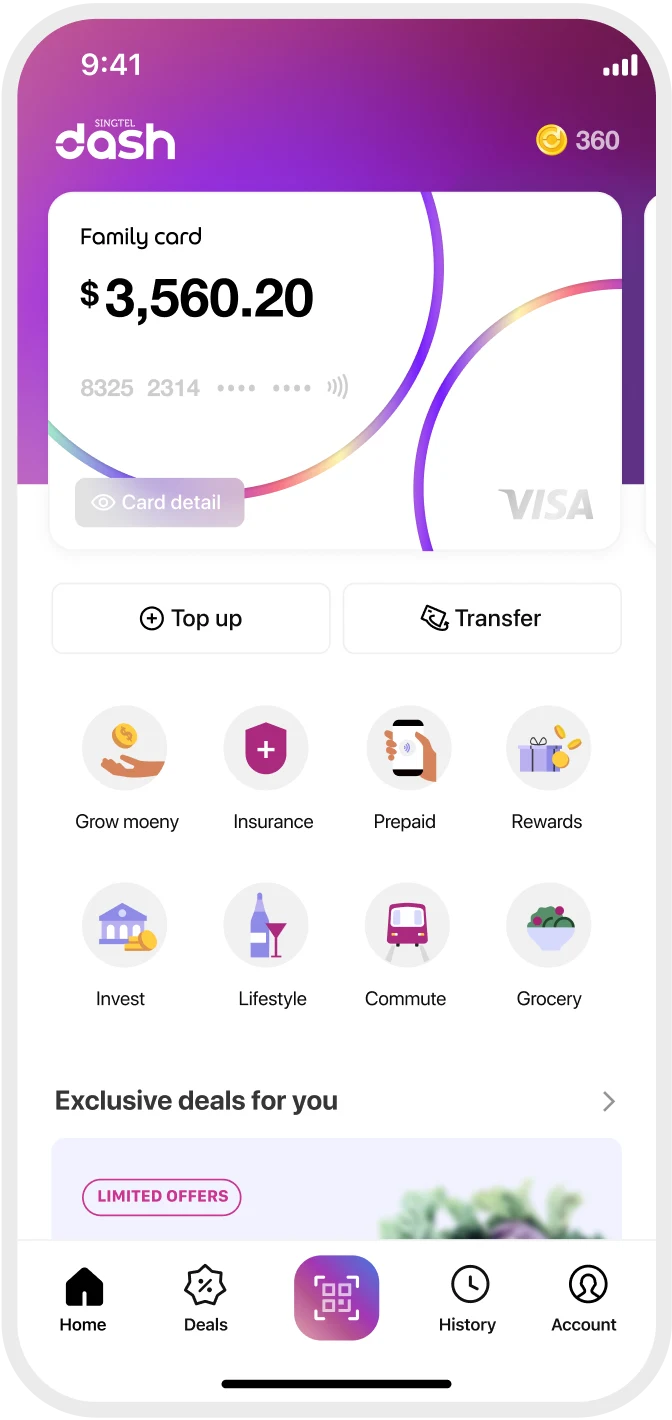
Simply top up Singapore dollars in your Dash wallet and swap them for a range of foreign currencies. Exchanged currencies are instantly available on your Dash physical card, turning it into a travel debit card for paying in local currency wherever you go.
Experience all payment-related aspects of your journey from start to finish with the Travel wallet
The Travel wallet aims not just to improve currency exchange but to enhance every payment experience before, during and after your trip.
- Pre-travelPlan travel itineraryExchange foreign currency
- During travelTrack paymentsEarn rewards and mileage
- Post-travelRe-exchange remaining amountsManage and check card usage
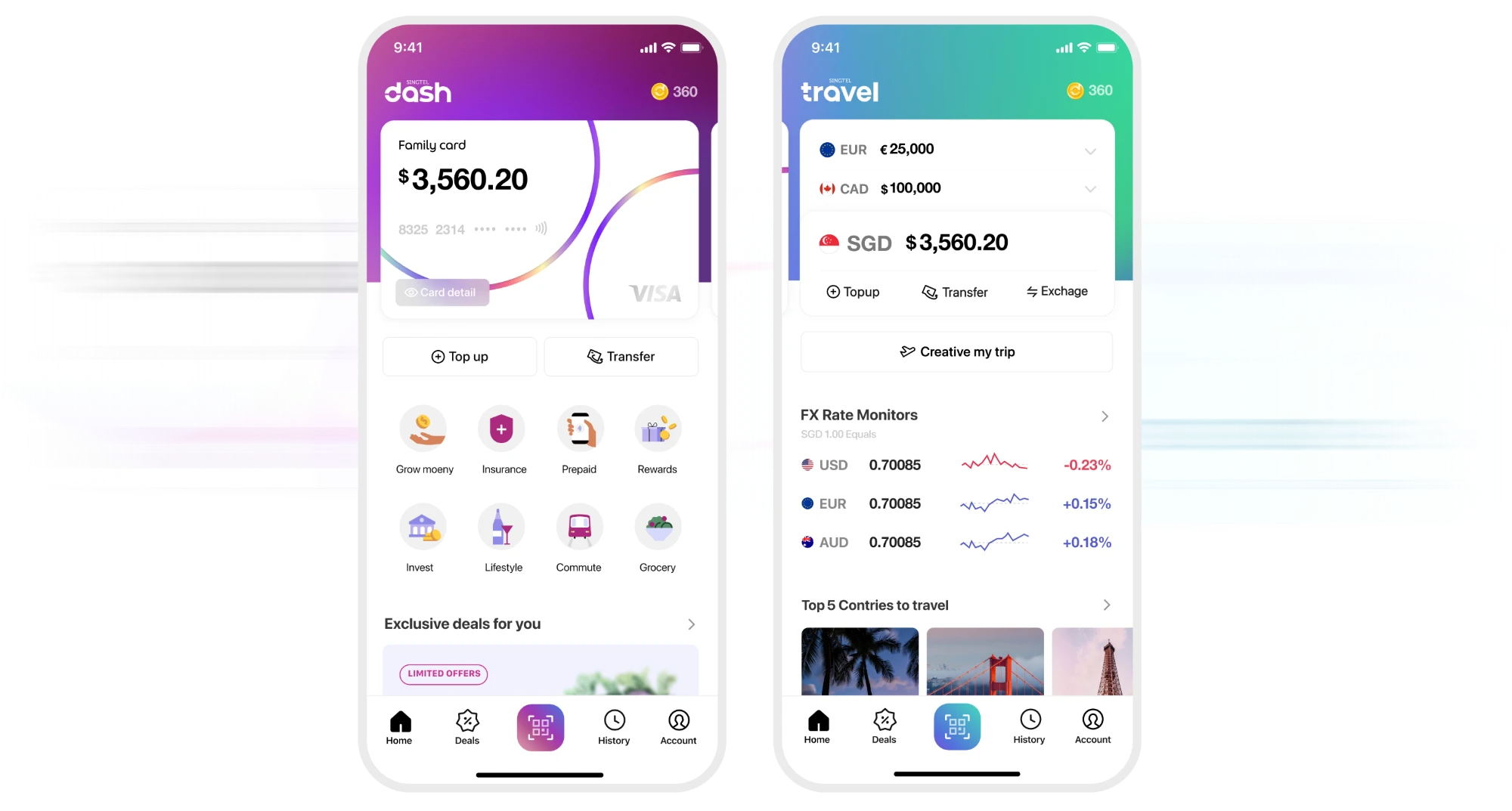
Switch from the Dash wallet to Travel wallet mode
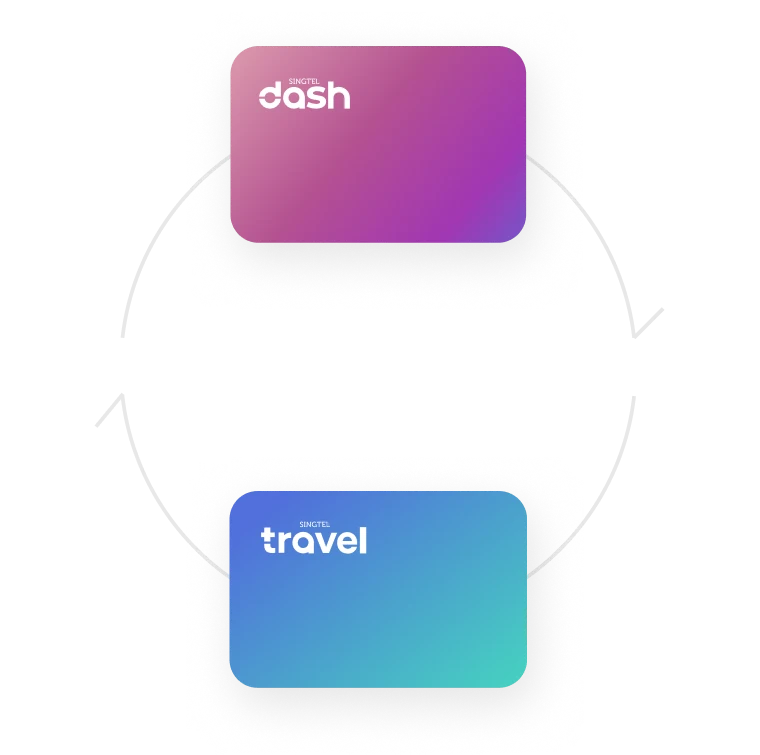
Swipe the top card to switch from the everyday Dash wallet to the Travel wallet. Both use the same Singapore dollar balance and the same physical card.
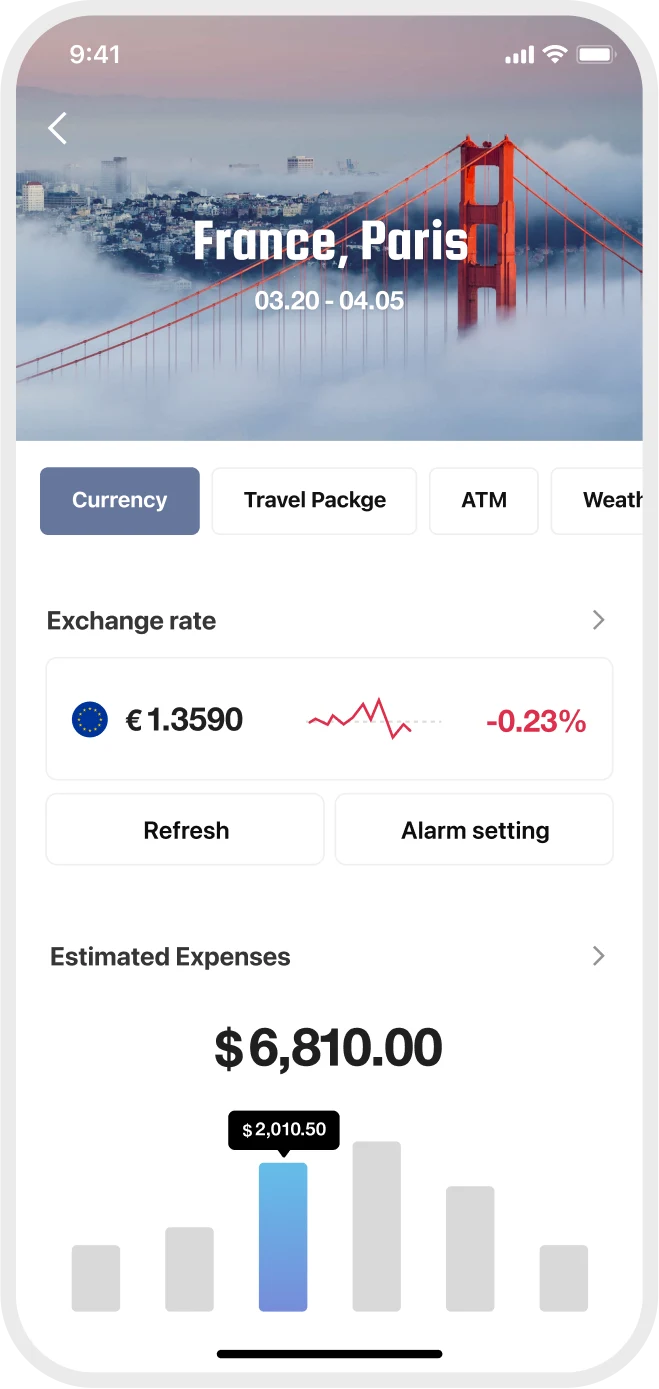
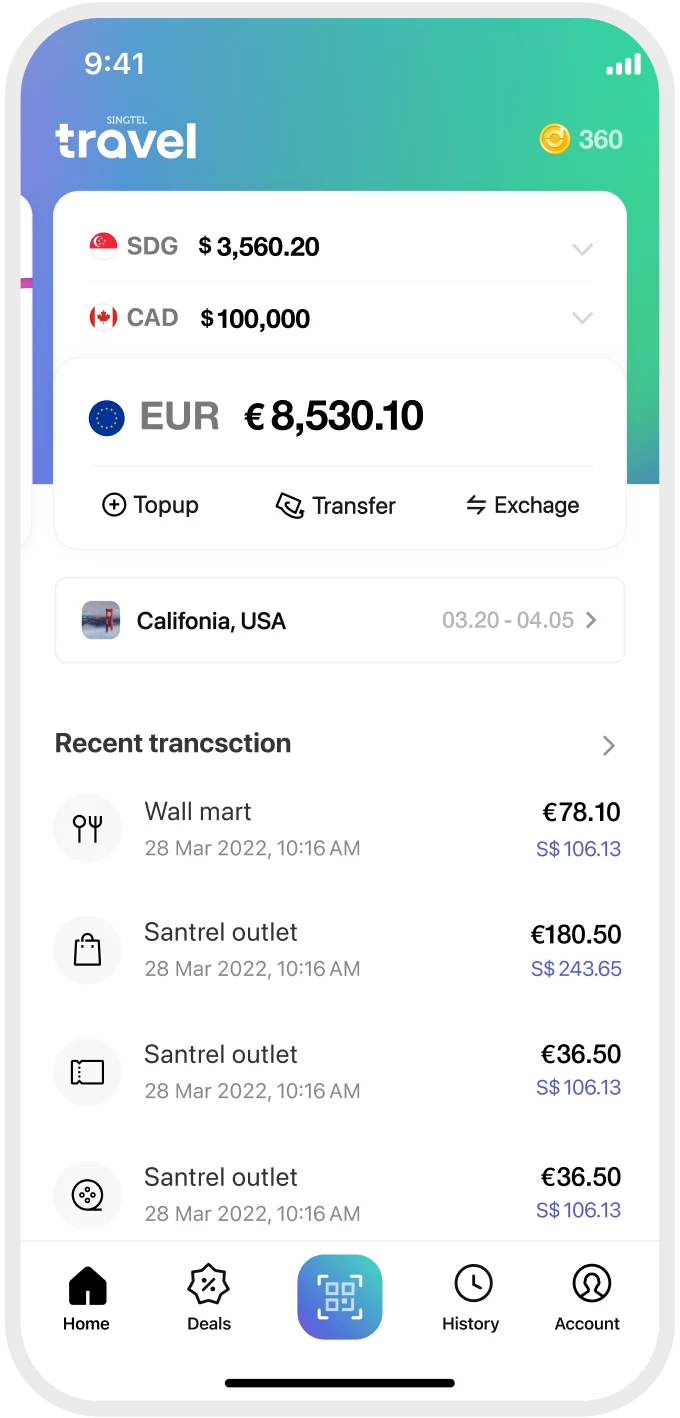
Add a travel itinerary and check travel tips and promotions
Select the country you’re travelling to and add your itinerary. A trip advisor page then shows exchange rates, a travel checklist and travel product promotions.

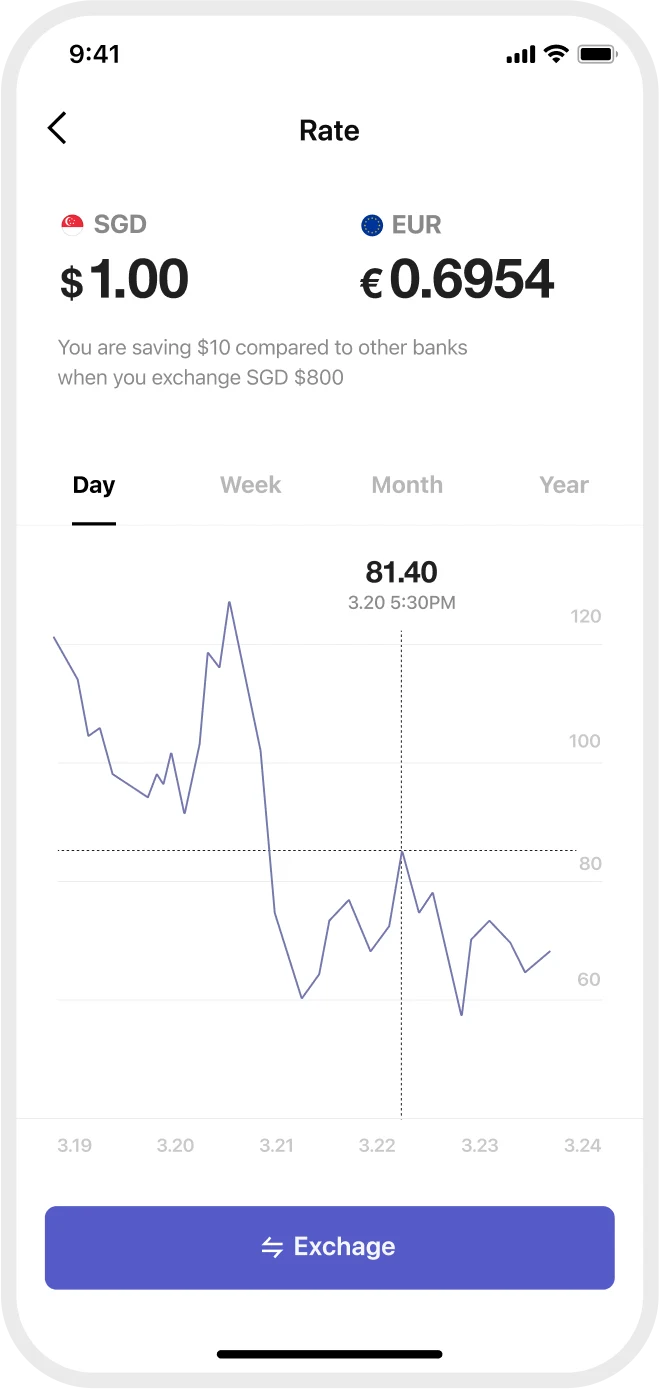
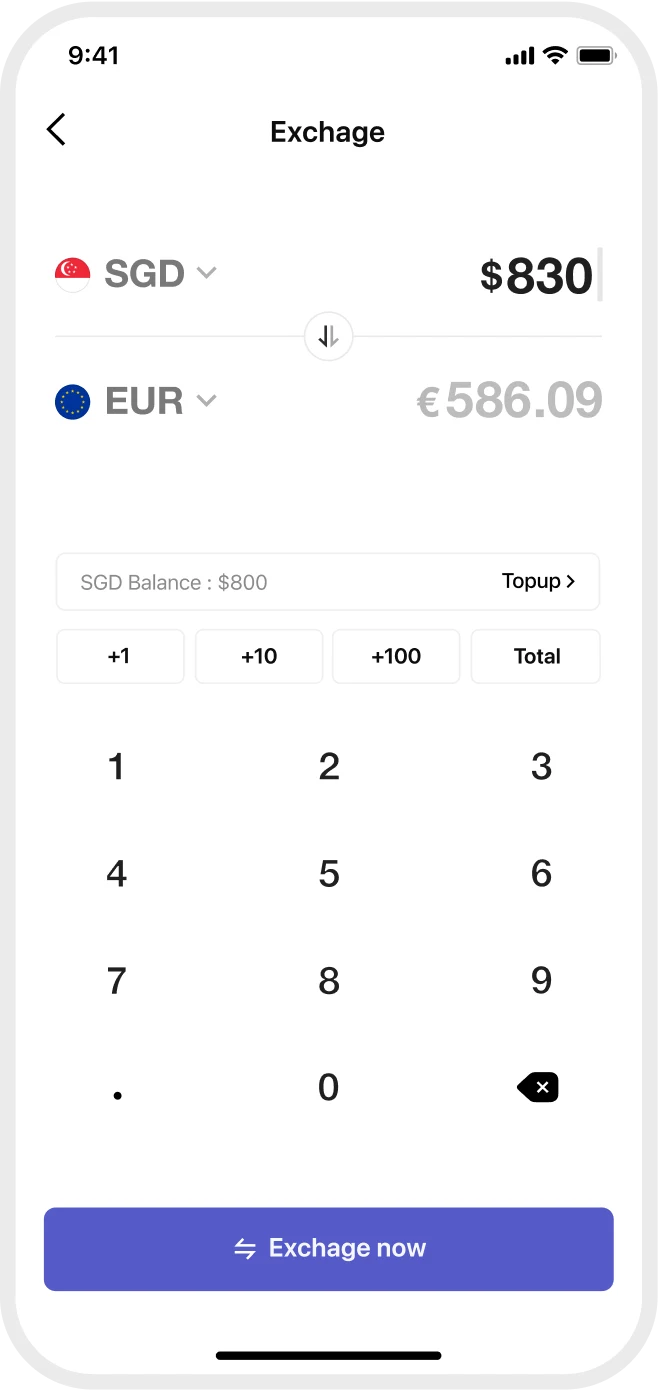
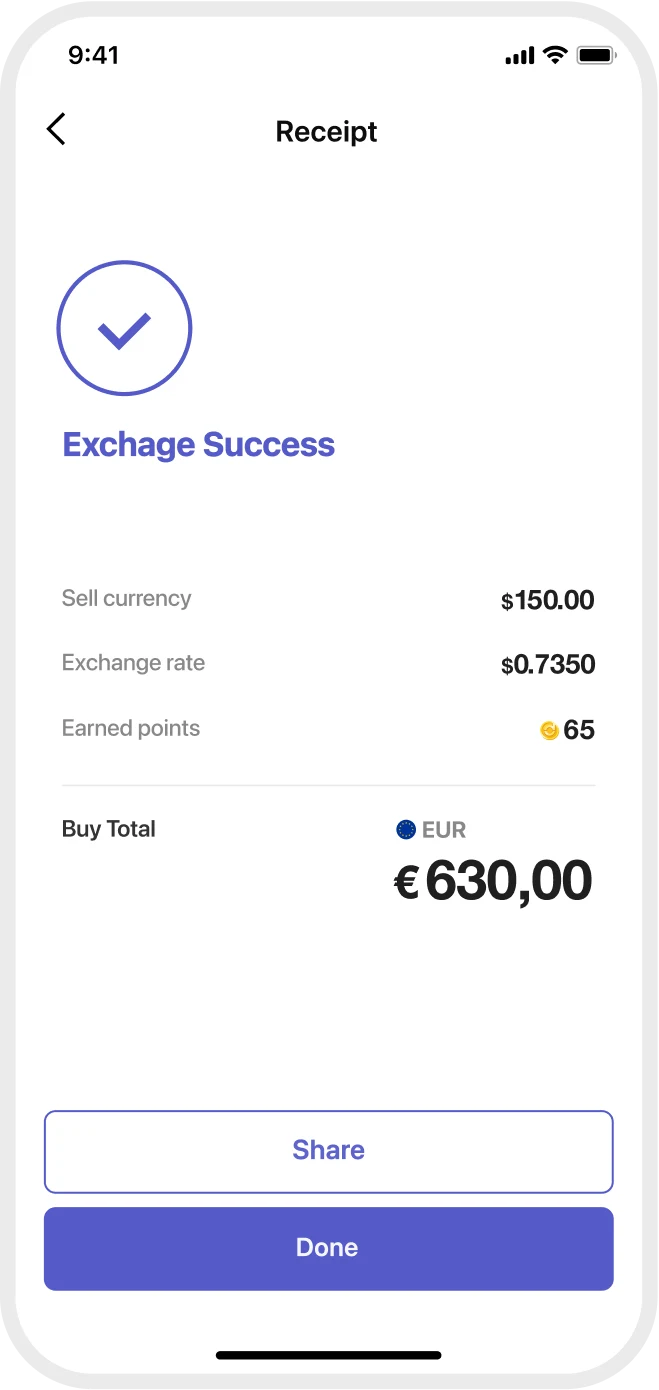
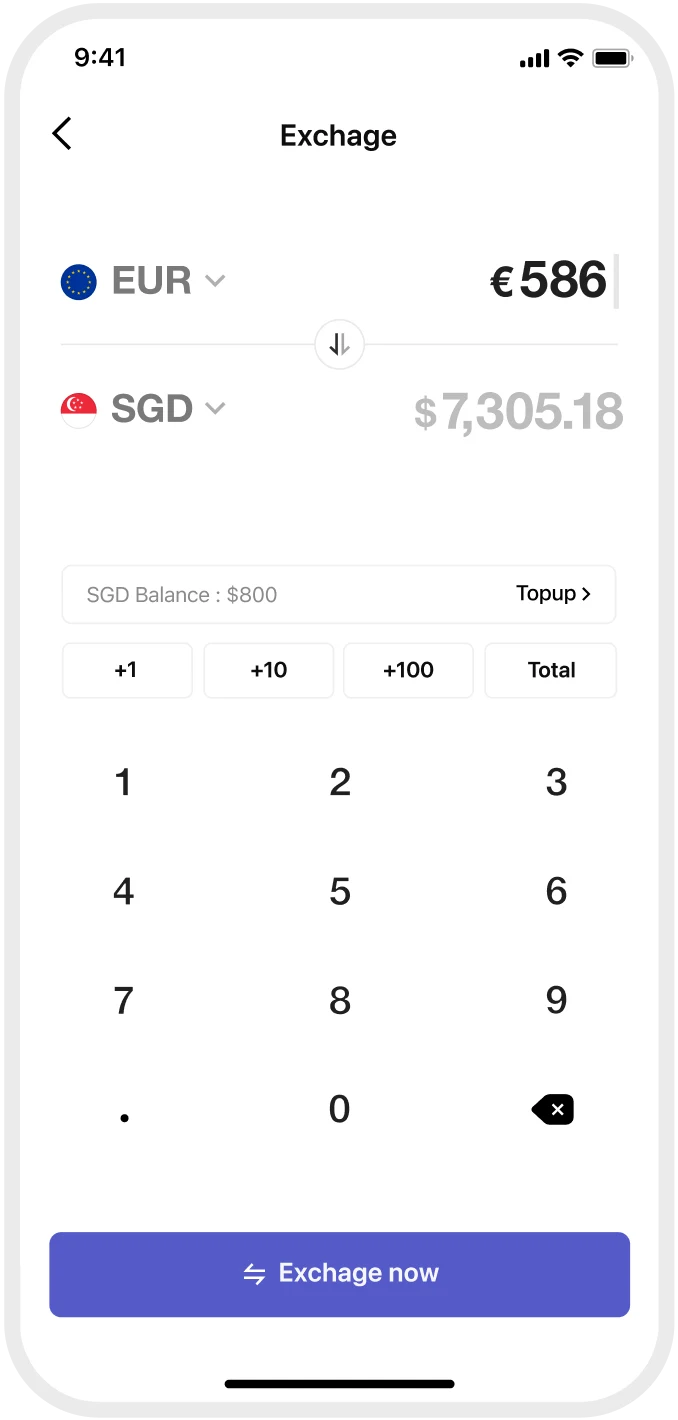
Exchange foreign currency at the time and rate you want
Before or during the trip, track the exchange rate and exchange foreign currency at the best rate.
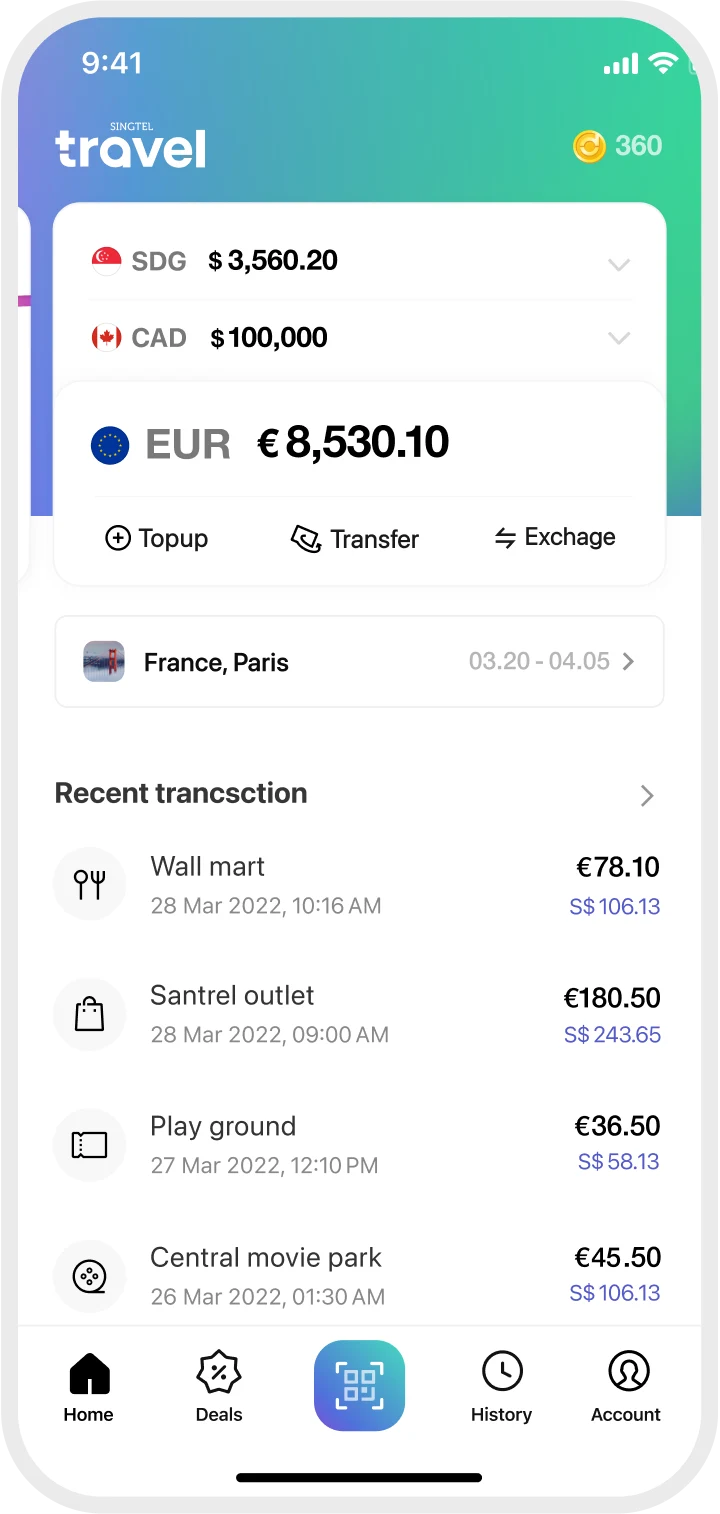
Track payment history on the spot and find ATMs
Payments are shown in the home currency too, so users unfamiliar with foreign currencies can confirm each payment straight away. If they run short of cash, the app finds the nearest ATM so they can exchange in the app and withdraw locally.
- Track payment historyShows amounts in both the foreign and home currency so users can easily see how much they've spent.
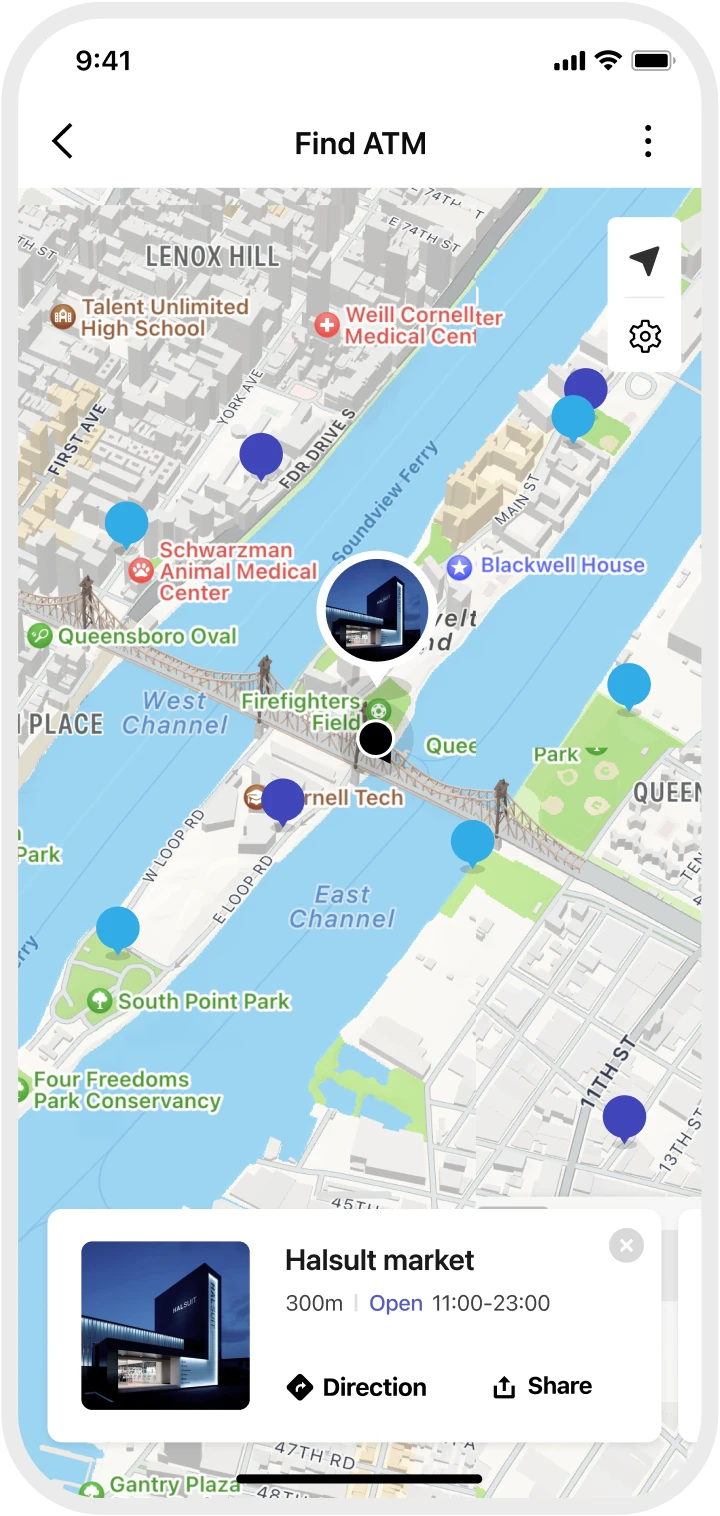
- Check ATM informationDetailed ATM information, so users can quickly find the nearest one by swiping through the cards at the bottom.
Re-exchange the remaining amount into Singapore dollars
Convert unused foreign currency back into Singapore dollars in the app at your preferred exchange rate.
Manage wallet and card
Manage the physical card in the app. It works at any Visa merchant and stays secure at home and abroad.
- Check card detailsCard details such as the card number, expiry date and CVC for online payments can also be checked in the app.
- Set card limitUsers can set their own payment rules for security, such as requiring a password to pay or setting a maximum payment limit.
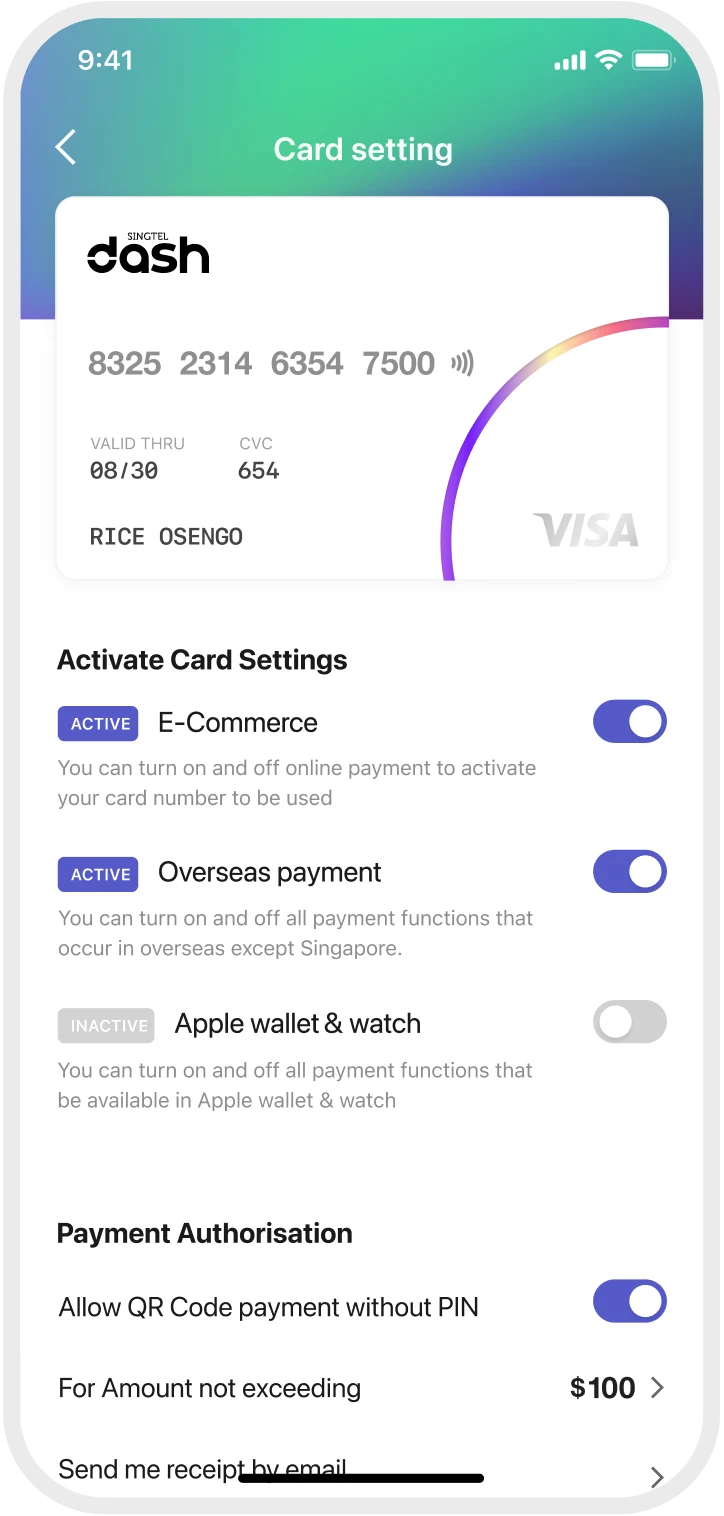
- Set activation optionsLets users switch each payment option on or off to match how they use the card.